Notemac++ v5.0.0
A powerful text and source code editor for macOS & Web, inspired by Notepad++
Now 75% smaller with Tauri — just ~10 MB
Created by Sergio Agustin De Vita
Support on Ko-fi
A powerful text and source code editor for macOS & Web, inspired by Notepad++
Now 75% smaller with Tauri — just ~10 MB
Created by Sergio Agustin De Vita
Support on Ko-fiv5.0.0: Compile & Run 73+ languages directly from the editor with full WASM runtime support. Plus v4.2.1 features.
Run code in 73+ languages directly from the editor — on desktop AND web. Full WASM runtime support with background caching for instant execution. Compile, execute, and debug without leaving your editor.
Select from built-in preset mappings (Notemac++ Default, ReSharper) via dropdown in the Shortcut Mapper. Plugins can register custom presets. User overrides persist across preset switches.
Full shortcut customization with conflict detection, per-row reset, Reset All, and Export/Import JSON. Dynamic shortcut lookup replaces hardcoded dispatch for maximum flexibility.
View and edit binary files with a virtualized three-column layout (offset/hex/ASCII), inline byte editing, 8/16 bytes-per-row toggle, and Go To Offset dialog.
Auto-detects binary content and prompts hex view. IsBinaryContent/IsBinaryExtension helpers for smart file handling and intelligent viewer selection.
Edit files together in real-time via WebRTC with CRDT-based conflict resolution (Yjs). Create or join sessions, see peer cursors with colored labels, and collaborate without a server.
Prettier integration for format-on-save and format-on-command. Inline diagnostics with error/warning markers, a Problems panel, and quick-fix suggestions.
Line-by-line blame annotations with commit info on hover. Full stash management (stash, pop, apply, drop). Visual inline merge conflict resolution with accept current/incoming/both.
Everything you need from a text editor, and then some.
Run code in 73+ languages directly from the editor — on desktop AND web. Full WASM runtime support with background caching.
The same engine that powers VS Code. Multi-cursor, code folding, bracket matching, and more.
Syntax highlighting for C, Python, JavaScript, TypeScript, Rust, Go, Java, Ruby, Swift, and dozens more.
Multi-provider AI chat (OpenAI, Anthropic, Google), inline completions, code actions, and explanations.
Clone, commit, push, pull, branch, diff — full version control with GitHub OAuth support.
Run shell commands without leaving the editor, powered by Xterm.js.
Regex search, mark system with 5 colors, find in files, incremental search, and bulk operations.
100+ fuzzy-searchable commands with keyboard-first navigation.
Record, save, and replay action sequences. Automate repetitive editing workflows.
Work on two files side by side with synchronized scrolling.
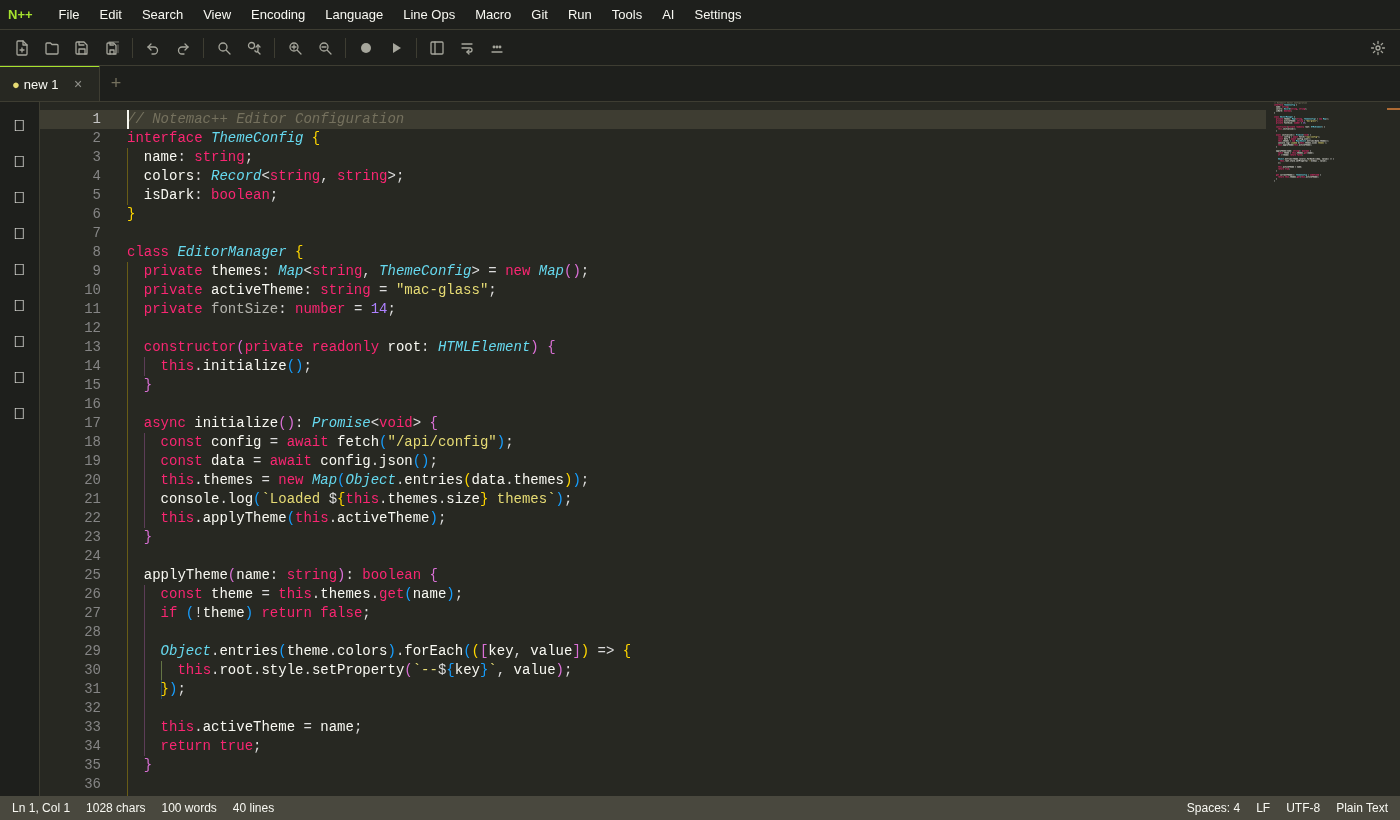
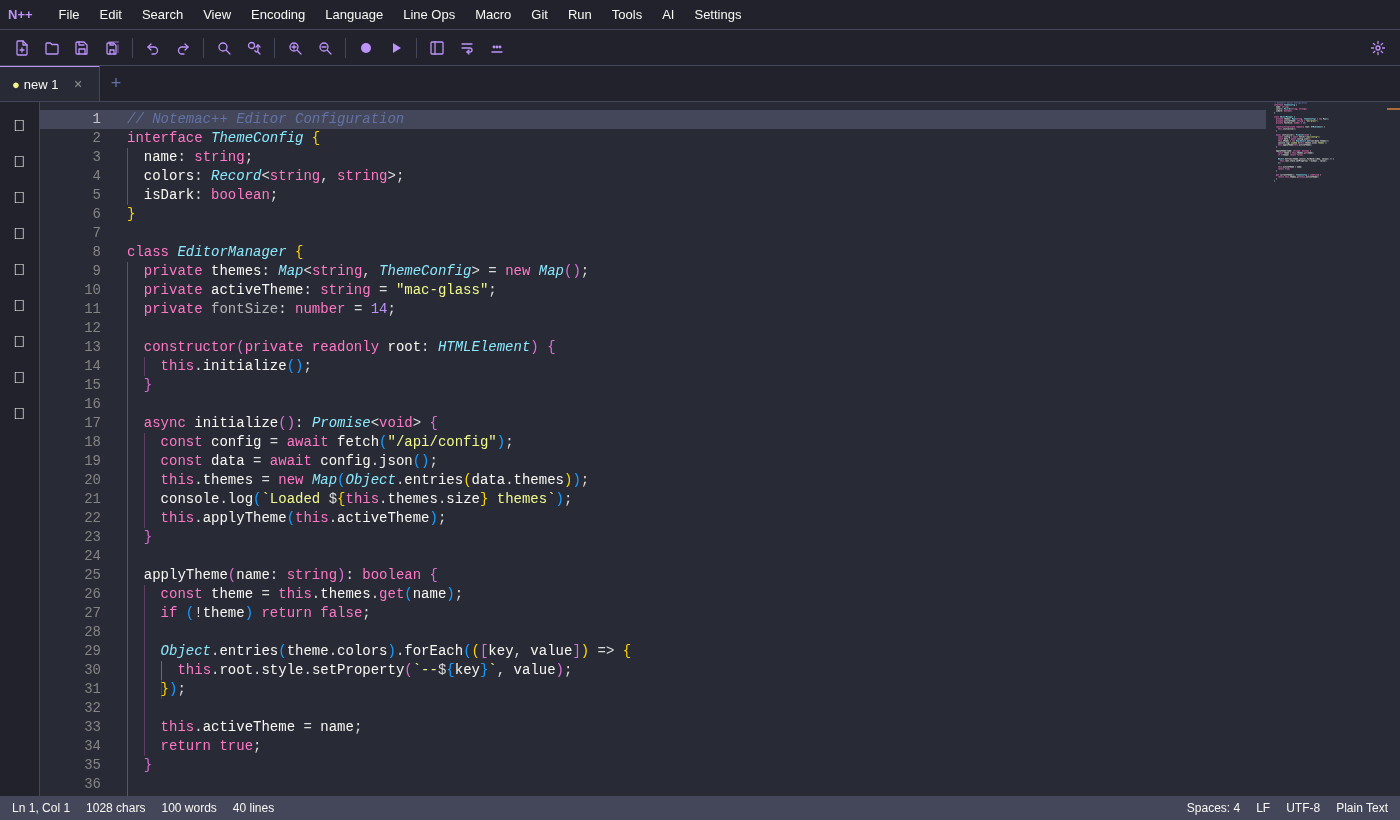
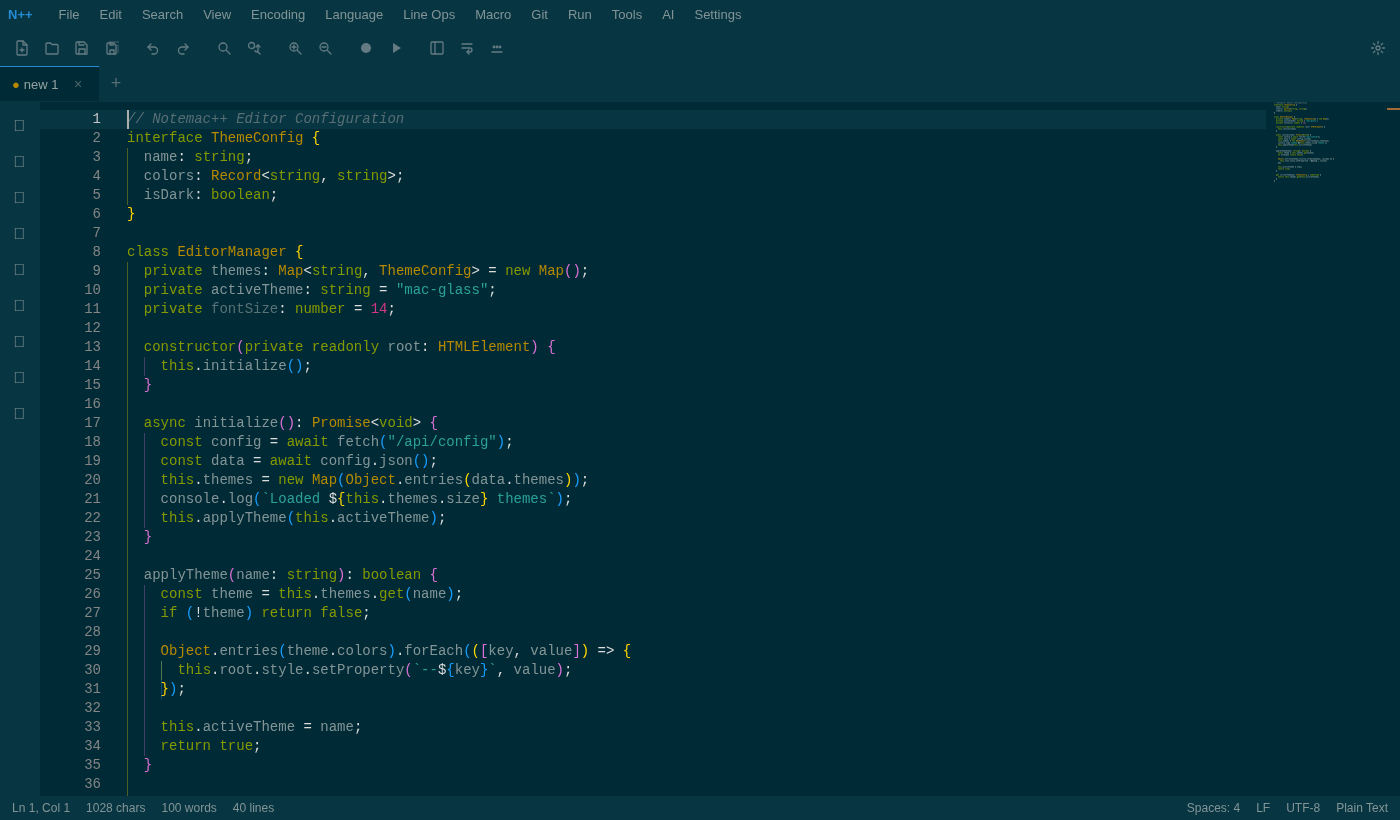
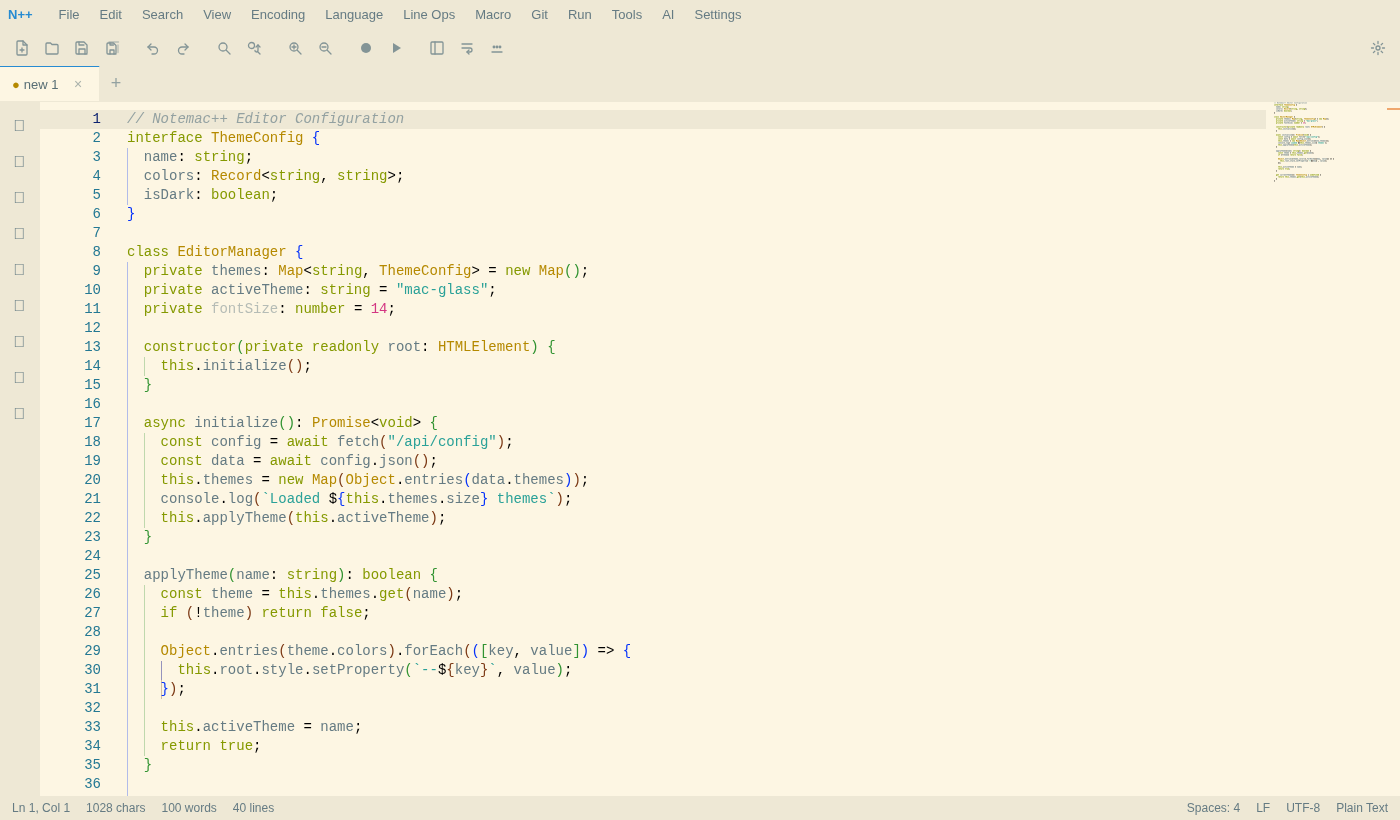
7 built-in themes plus a custom theme color picker with 30 color controls. Mix and match to create your own.
Pre-built snippets for popular languages. Create, edit, and quick-insert your own.
Side-by-side diff comparison of any two files with Monaco's built-in diff editor.
Drag-drop tabs, pin favorites, color-code groups, restore previous sessions, and manage multiple files with ease.
File Explorer, Document List, Function List, Clipboard History, Character Panel, and Search Results — all docked.
Fuzzy file finder (Cmd+P) to jump to any file in your project instantly.
Multi-line vertical editing for aligning text, inserting sequences, and bulk column operations.
Sort, deduplicate, trim, reverse, join, split, and transform lines in bulk.
Hash generation (MD5, SHA-256, SHA-512), Base64 encode/decode, URL encode/decode, JSON format and minify.
UPPERCASE, lowercase, Proper Case, Sentence case, iNVERT cASE, and RaNdOm CaSe transforms.
Hide all UI chrome for focused writing. Plus Always on Top to keep the editor above other windows.
Live file watching with auto-scroll — perfect for log files and real-time output.
UTF-8, UTF-16, ISO-8859, Windows-1252, and more. Convert between LF, CRLF, and CR line endings.
View and edit binary files byte-by-byte with virtualized offset, hex, and ASCII columns.
Customize every keyboard shortcut with conflict detection, per-row reset, and JSON export/import.
AES-GCM encrypted credentials, OS keychain via Tauri, secure OAuth flows, XSS protection.
Notemac++ combines Notepad++ familiarity with modern power — without the overhead.
| Feature | Notemac++ | Notepad++ | VS Code | Sublime Text |
|---|---|---|---|---|
| Platform | macOS / Web | Windows | All | All |
| App Size | ~10-15 MB (Tauri) | ~5 MB | ~300 MB | ~30 MB |
| Startup Time | Instant | Fast | Moderate | Fast |
| Syntax Languages | 70+ | 80+ | 200+ | 50+ |
| Built-in Git | Yes | No | Yes | No |
| Built-in AI | Yes (multi-provider) | No | Via Copilot | No |
| Terminal | Yes | No | Yes | No |
| Compile & Run | Yes (73+ langs) | No | No | No |
| Command Palette | Yes | No | Yes | Yes |
| Quick Open | Yes | No | Yes | Yes |
| Macros | Yes | Yes | Via Extensions | Yes |
| Split View | Yes | Yes | Yes | Yes |
| Code Snippets | Yes | No (plugins) | Yes | Yes |
| Mark System | Yes (5 colors) | Yes (5 styles) | No | No |
| Column Editor | Yes | Yes | Via Extensions | Yes |
| Compare Files | Yes | Via Plugin | Yes | Via Plugin |
| Themes | 7 | 30+ | 1000+ | 25+ |
| Plugins | Yes | 200+ | 30K+ | 5K+ |
| Hex Editor | Yes | Via Plugin | Via Extension | Via Plugin |
| Shortcut Editor | Yes | Via Shortcut Mapper | Yes | Yes |
| Runs in Browser | Yes | No | Yes (vscode.dev) | No |
| Price | Free (MIT) | Free (GPL) | Free | $99 |
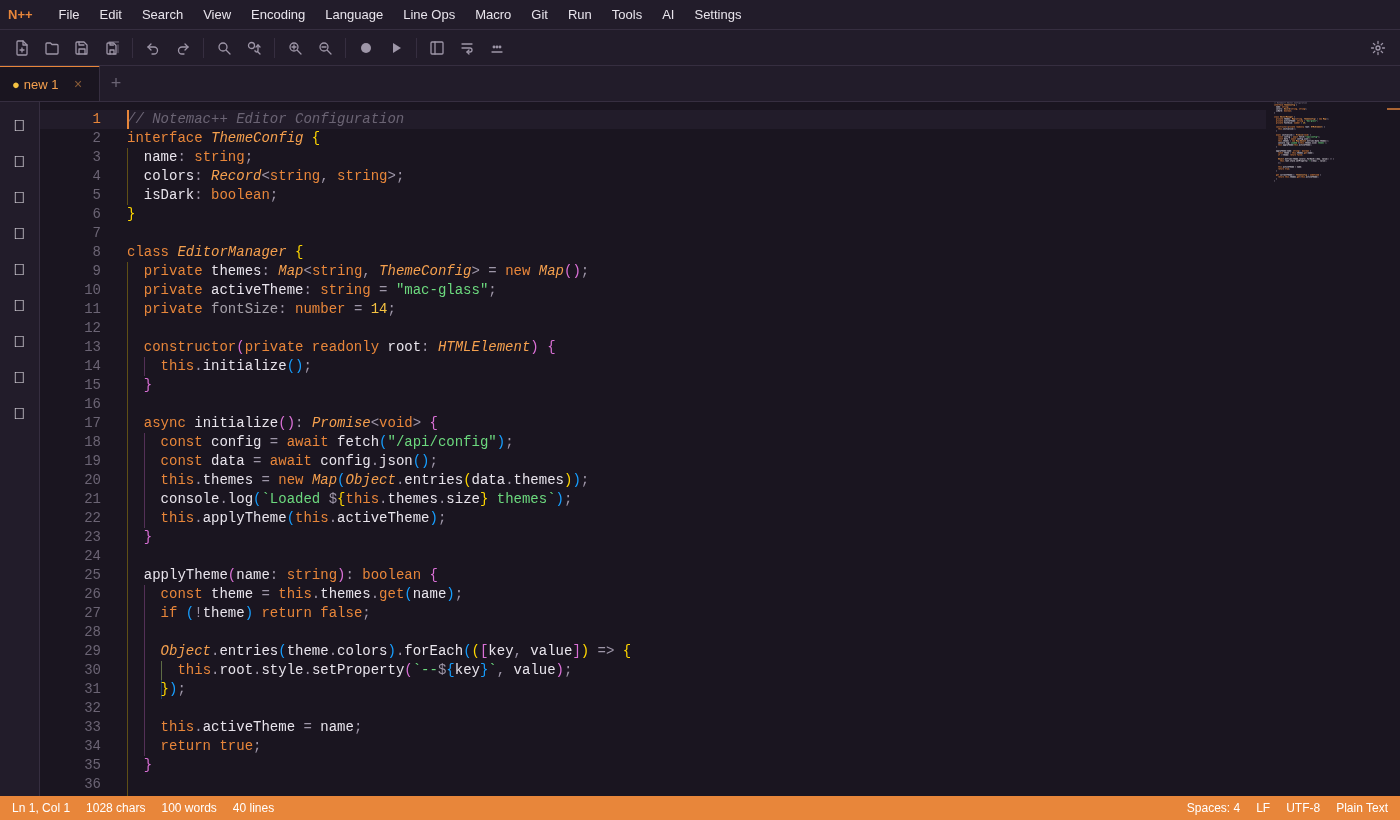
Plus 6 more built-in themes + custom color picker
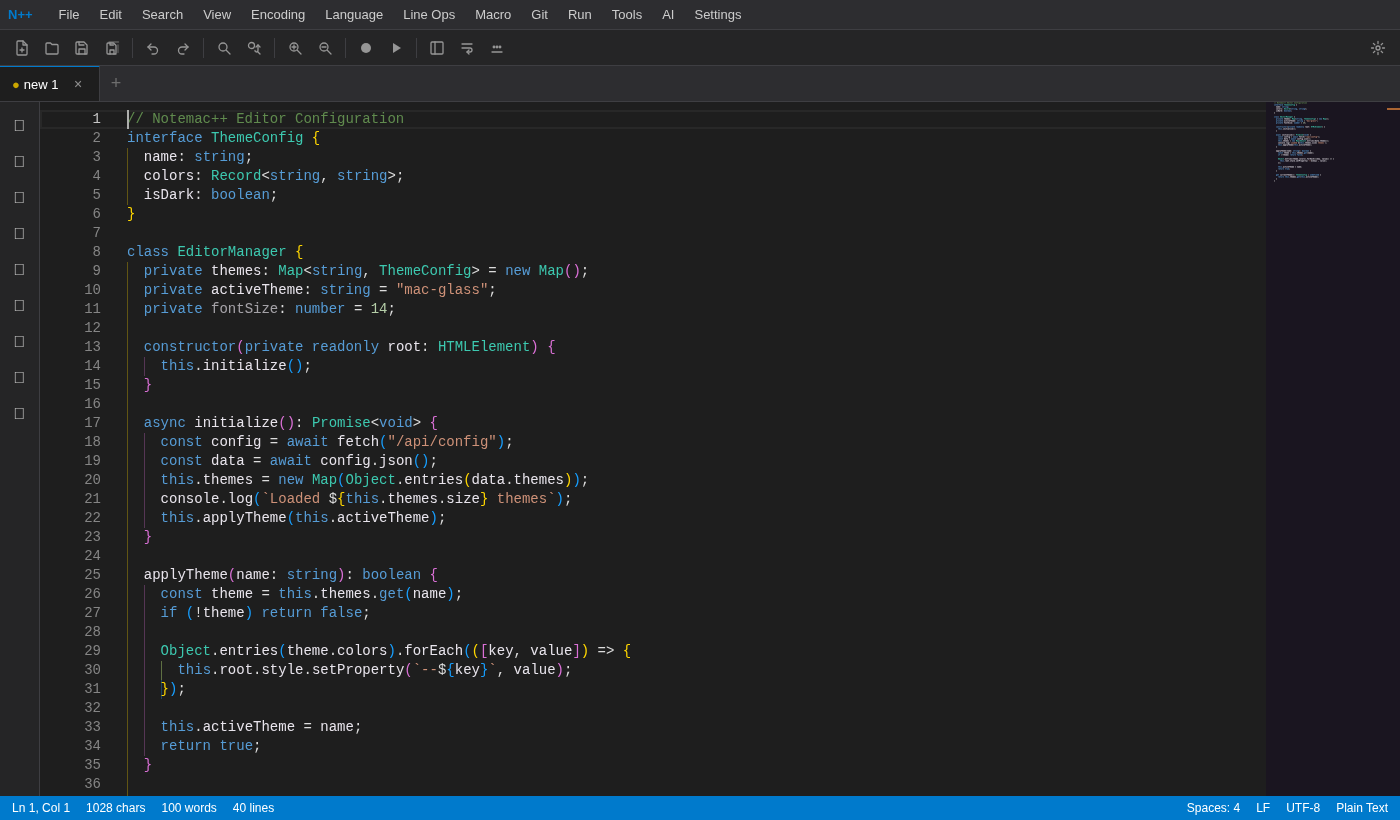
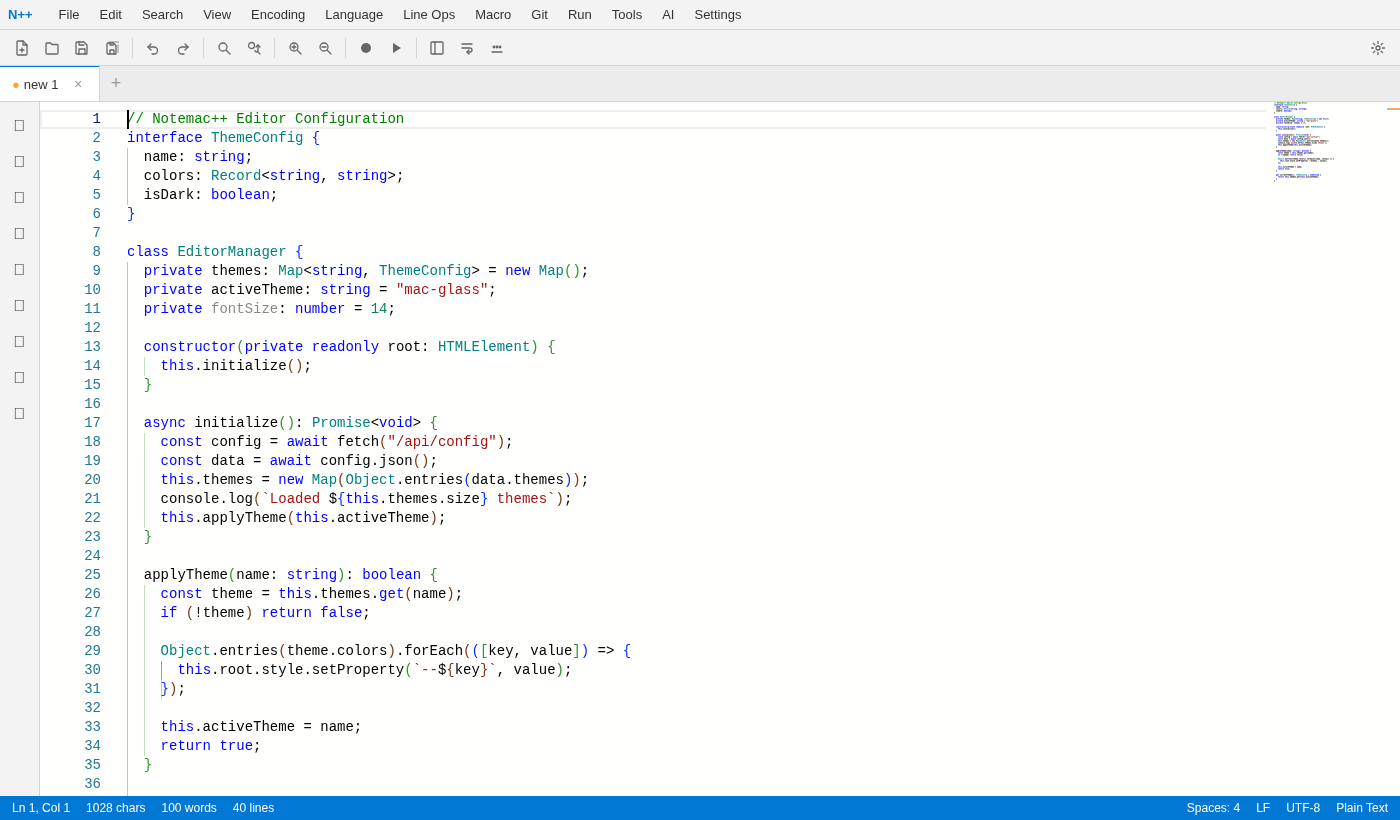
No installation required. Launch the web editor right in your browser, or download the lightweight desktop app.